If you opened Ovia this morning and saw the goodbye message, take a breath. You did not lose your pregnancy journal, and you are not behind on anything. You just have to make one decision in the next few weeks — and this guide will walk you through it, calmly and without the drama.

Quick Answer: What Happened to Ovia and What to Use Instead
The standalone Ovia Pregnancy app is being retired at the end of March 2026. Your data is not being deleted — Ovia Health is moving every pregnancy tracker, kick counter, and symptom log into the consolidated Ovia Cycle & Pregnancy Tracker, and you can sign in with the same email and password. If you are happy with Ovia, migrating takes a few taps and your kick-counts, symptom logs, and due date come with you. If you want a fresh start because the merged app does not feel right, or because privacy or nutrition matters more to you now, you have real choices. This guide compares the strongest 2026 ovia alternative pregnancy app options side by side, flags the privacy history you should know about, and gives you a step-by-step checklist to move your data safely before the March 2026 shutoff.
Why Ovia Is Shutting Down the Pregnancy App
This is a product consolidation, not a company closure. In the official Facebook announcement, Ovia Health wrote: "We're saying goodbye to the Ovia Pregnancy app at the end of March 2026, but you can continue with the same experience you know and love with the Ovia app."
The rollout has been phased for almost a year. According to the Ovia Help Center, the standalone app was pulled from the App Store in June 2025 and stopped receiving updates at that point. Users who kept it on their phones have been able to use it as-is, but new downloads and bug fixes ended mid-2025. The final sunset is March 2026, when the Ovia Pregnancy app will be officially discontinued.
Product teams merge apps for the usual reasons: one codebase is cheaper to maintain, and a single app can follow you from cycle tracking through postpartum without forcing you to switch. Whether that unified experience suits you is a separate question — and one worth asking now, while you still have a calm window to decide.
What this means for you: if the app still works on your phone, you have until the end of March 2026 to either migrate to Ovia Cycle & Pregnancy Tracker or move to a different app. You do not have to decide today.
What You Actually Lose When Ovia Closes
Ovia Health says your pregnancy data, kick counts, and history all transfer to the new app. That is the structured data. What does not transfer is harder to measure:
- Your muscle memory. The tab layout, the color of the symptom tracker, the place you tap every morning — the new interface is similar but not identical.
- Your reading rhythm. If you had a favorite daily article or the weekly size comparison you always showed your partner, those live inside the consolidated experience now, grouped with non-pregnancy content.
- Your community. The Ovia Pregnancy community spaces merge with the broader Ovia user base, which changes who you see in comments and support threads.
- Your quiet trust. You built a habit around one small, specific app. Rebuilding that trust — with Ovia or anyone else — takes a few weeks. That is normal.
If you used Ovia for food logging, this is a good moment to ask whether a tracker alone is enough. A 2024 systematic analysis of pregnancy apps indexed by the National Institutes of Health found that most apps on the market offer basic tracking but fall short on evidence-based meal planning. More on that in the criteria section below.
The Best Ovia Alternative Pregnancy App Picks for 2026
Here is an honest look at the strongest ovia alternative pregnancy app options on the market right now. None is right for everyone, and several have had real privacy incidents — we flag those directly.
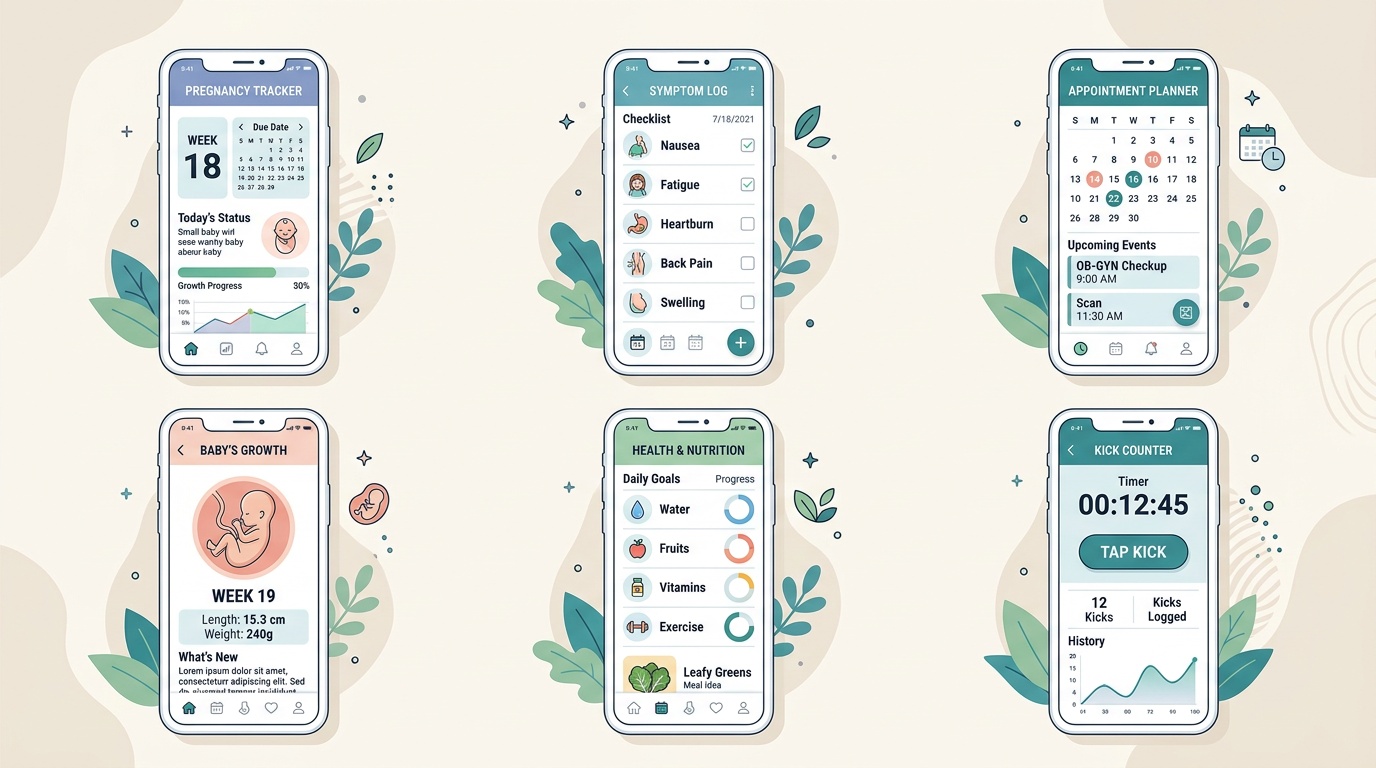
Ovia Cycle & Pregnancy Tracker — the official successor. Same login, same data, similar layout. The trade-off is that cycle-tracking features are front and center even when you do not need them during pregnancy.
Flo — the largest user base and the most polished interface, with an in-app AI assistant. Worth knowing: Flo Health settled with the Federal Trade Commission in 2021 after the FTC found it had shared sensitive health data with Facebook and Google without proper consent. Flo has since overhauled its privacy practices and offers an "Anonymous Mode." Read the current policy before signing up.
Pregnancy+ — strong 3D baby development visuals, kick counter, and contraction timer. Free with optional paid features. Good for visual content, smaller community.
BabyCenter — the oldest name in the category with large due-date community groups. Free. Editorial content varies in medical depth — cross-check clinical claims with an authoritative source.
What to Expect — app version of the best-selling book, with daily updates and a large forum. Best if you liked the book and want that voice in an app.
Mayo Clinic on Pregnancy — built by Mayo Clinic obstetrics, genetics, nutrition, and midwifery teams. Less community, more clinical guidance. A solid second, clinician-reviewed source alongside your main tracker.
Privacy note: The FTC has taken enforcement action against reproductive-health apps including Premom in 2023 and Flo in 2021. Before handing any app your cycle or pregnancy data, open its privacy policy and search for "third parties" and "advertising."
If meal planning was a big reason you opened Ovia, most ovia alternative pregnancy app options above treat nutrition as a side feature. That gap is why AI tools like Mombite exist — the focus is trimester-safe meals built around what is already in your fridge. It is a companion to your tracker, not a replacement.
How to Move Your Ovia Data Before March 2026
Whether you are staying inside the Ovia ecosystem or leaving entirely, the safest move is to get a copy of your own data first. Here is the practical checklist:
- Take screenshots of anything emotional first. Kick count graphs, symptom highlights, your first positive, any note you wrote to your baby. These often do not export cleanly.
- Export your tracked data. In Ovia Pregnancy, open Settings, find account or data options, and look for an export or download request. Save the file somewhere you can find it — a personal email or a cloud folder you control.
- Download Ovia Cycle & Pregnancy Tracker from the App Store or Google Play. Sign in with the same email and password you used for Ovia Pregnancy. Your profile, due date, and history should appear automatically. If anything looks missing, contact Ovia support while the legacy app is still live.
- If you are switching apps, set up the new one in parallel. Do not delete Ovia Pregnancy yet. Use both for a week so you can spot any data you forgot to transfer — like a symptom pattern you always tracked.
- Check the privacy settings on the new app on day one. Opt out of ad tracking, turn off third-party data sharing where possible, and review what the app is allowed to access on your phone (contacts, location, microphone).
- Only then delete the old app. Keep the exported file somewhere safe — it is your own personal record of this pregnancy, no matter what any company decides later.
Tip: If you are in the second or third trimester, it is worth doing the full migration now rather than in the last two weeks of March 2026. Late-pregnancy brain fog is real, and you do not want data chores on your list when you are timing contractions.
What to Look For in a Pregnancy App in 2026
The app market is crowded — one NIH-indexed systematic review identified 57 pregnancy-specific apps and scored them on features, and the quality range is wide. Here is what actually matters when you choose:
- Evidence-based content with named medical reviewers. The American College of Obstetricians and Gynecologists published ethical guidance in 2025 noting that digital obstetric tools should align with the principles of beneficence, nonmaleficence, autonomy, and justice. In plain language: the app should be honest about what it knows, careful about what it recommends, and transparent about who reviewed it.
- A privacy policy you can actually read. Look for a plain-English summary, a clear statement on third-party sharing, and the presence of a "data deletion request" option. If the policy only exists as a PDF buried two pages deep, that is a signal.
- Features that match your stage. Kick counter and contraction timer matter far more in the third trimester than in the first — the CDC tracks pregnancy-related outcomes that are most sensitive in later trimesters. Food logging and nutrition guidance matter earlier. Do not pay for features you will not use.
- A community that feels safe, not anxious. Read five threads before committing. If the top posts are panicked or comparison-heavy, that is the tone you will absorb.
- Offline access and data export. Apps close. Companies pivot. Your data should belong to you, not to whichever product is still live in 2028.
- Honest about limits. An app should tell you when something is a question for your midwife or OB — not try to answer it. Any app that acts like a clinician is not one you should trust.
If nutrition is one of the reasons you want an app in the first place, pair your tracker with meal-focused resources. Clinician-reviewed pregnancy sites and purpose-built tools around protein-dense snacks or daily choline targets are usually more useful for the food piece than a general pregnancy app's buried tips section.
Frequently Asked Questions
When exactly is the Ovia Pregnancy app shutting down?
The Ovia Pregnancy app will be officially discontinued at the end of March 2026, per the company's Facebook announcement and Help Center. The standalone app was already removed from the App Store in June 2025 and has not received updates since. Ovia Cycle & Pregnancy Tracker is the consolidated replacement.
Will I lose my Ovia pregnancy data?
No. Ovia Health states that all pregnancy tracking data, kick counts, and symptom logs transfer to Ovia Cycle & Pregnancy Tracker when you sign in with the same email and password. Export your data from Settings before March 2026 for an independent copy.
Which is the best ovia alternative pregnancy app?
There is no single best — it depends on what you used Ovia for. For the closest match, stay inside Ovia's ecosystem. For a large community, BabyCenter or What to Expect are common picks. For clinical depth, Mayo Clinic on Pregnancy. Flo has the most polished interface but a prior FTC privacy history to review.
Are pregnancy apps safe from a privacy standpoint?
Some have been. Others have not. The FTC has brought enforcement actions against Flo Health and Premom for sharing sensitive reproductive-health data without proper consent. Read the current privacy policy, look for an "Anonymous Mode," and turn off ad tracking where possible.
Can a pregnancy app replace my OB or midwife?
No, and any app that implies otherwise is a red flag. Mobile tools are for tracking, reminders, education, and planning. Anything clinical — bleeding, reduced fetal movement, blood pressure concerns, worrying pain — is a direct call to your obstetric team, not a question for an app.
What happens to my Ovia data after I give birth?
In the consolidated Ovia Cycle & Pregnancy Tracker, your profile continues into postpartum and can transition into cycle tracking. If you are moving to a different app, export your data and any birth-related notes before switching. Some parents prefer to close the pregnancy chapter completely and start fresh with a different tool for postpartum.